

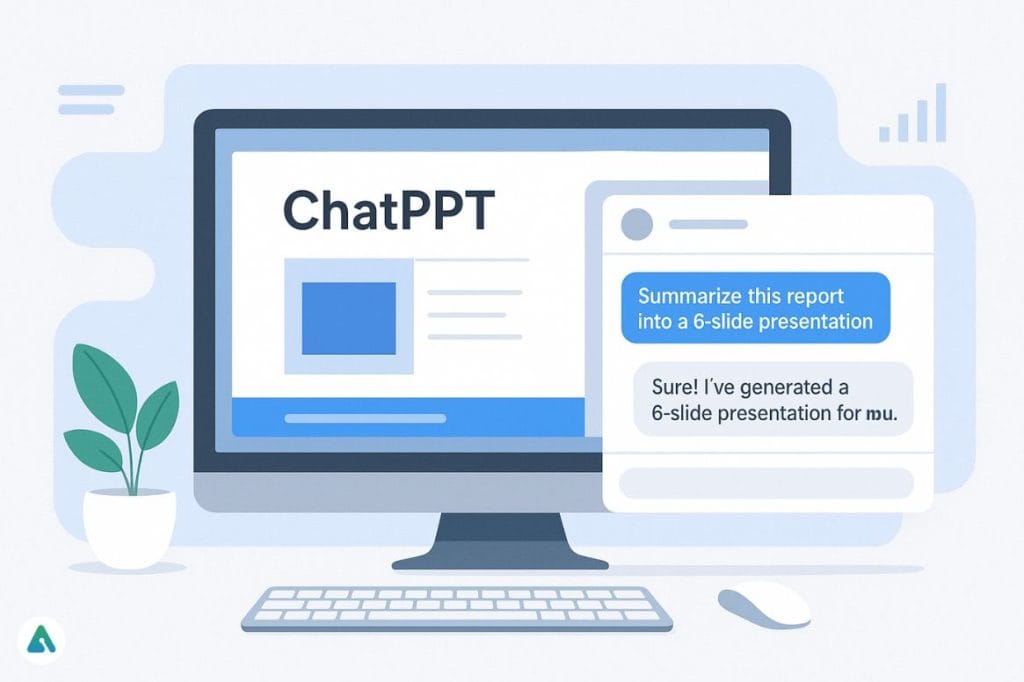
If you’ve ever spent hours staring at a blank PowerPoint slide, you’ll understand why tools like ChatPPT are catching fire in 2025. Built on the momentum of ChatGPT and generative AI, ChatPPT is part of a new class of assistants that take your notes, reports, or even random thoughts — and transform them into full presentations within minutes.
It’s not just about saving time. It’s about shifting how people create, share, and communicate ideas. Whether you’re a student prepping for class or a professional racing to meet a deadline, ChatPPT feels like that quiet co-worker who somehow knows how to make your slides look polished without you saying a word.
What Exactly Is ChatPPT?

At its core, ChatPPT is an AI PowerPoint summarizer and generator. You feed it text, upload a document, or paste long-form content, and it automatically drafts a structured slide deck — complete with titles, bullets, and summaries.
It works much like a conversation: you type something like “Summarize this report into a 6-slide presentation”, and the AI replies with ready-to-use content that can be exported into PowerPoint or Google Slides.
The concept may sound simple, but it’s deceptively powerful. ChatPPT blends language understanding (from GPT models) with visual structuring logic, creating presentations that are surprisingly coherent for an automated system.
How ChatPPT AI Works
Using ChatPPT feels like using ChatGPT, except the end product is a presentation instead of plain text. Here’s how most people use it:
- Provide your source material — This could be text, a PDF, or a
.pptxfile you want condensed. - Add a natural prompt — Something like, “Turn this research into a short deck with a conclusion slide.”
- AI generates the layout — The system identifies topics, formats content into slides, and summarizes key ideas.
- Download or tweak — You can export directly as PowerPoint or edit the text in your preferred slide editor.
Under the hood, ChatPPT relies on GPT-based summarization models and semantic sectioning — meaning it doesn’t just copy chunks of text, it interprets structure and intent to build slides that actually make sense.
Why ChatPPT Is Different from Regular AI Tools
Unlike most slide generators that simply convert text into bullet lists, ChatPPT has learned to organize contextually. It keeps logical flow intact — introduction, body, conclusion — so your deck doesn’t read like a jumble of disconnected lines.

You can also find multiple versions of ChatPPT across the web:
- Through ChatGPT’s custom GPT library
- As an open-source tool on GitHub
- And on sites like EaseMate AI and chatppt.netlify.app, which offer browser-based versions
Some even include advanced integrations via MCP (Model Control Protocol) — hinting at enterprise-ready versions that can summarize company reports or meeting notes securely within internal systems.
Key Features That Make ChatPPT Stand Out
Here’s a closer look at what users love most about the tool:
- AI-Driven Summarization: Converts lengthy documents into focused, concise slide content.
- Automatic Formatting: Structures content into titles and sub-points that look presentation-ready.
- Conversational Commands: Works via plain English prompts instead of template-based setups.
- Multi-Platform Access: Available as a GPT plugin, GitHub script, or web demo.
- Multilingual Output: Recognizes English, Chinese, and other major languages — evident in the rising searches for “chatppt官网.”
- Privacy Options: GitHub builds can run locally, ensuring sensitive data stays private.
It’s a neat balance of simplicity and depth — approachable for students, yet flexible enough for professionals who need serious summarization speed.
Comparing ChatPPT with EaseMate AI and Decopy AI
AI slide assistants are having their moment, and ChatPPT isn’t alone. Two close contenders — EaseMate AI and Decopy AI PPT Summarizer — share a similar goal but approach it differently.
| Feature | ChatPPT | EaseMate AI | Decopy AI |
|---|---|---|---|
| Input Support | PPT, PDF, Text | PDF, DOCX, Web Text | Text Only |
| Export | PPTX / Outline | PPTX / PDF | Outline Only |
| Model Source | GPT-4 / Custom GPT | Proprietary + GPT-4 | GPT-3.5 |
| Ease of Use | High | Moderate | Basic |
| Integration | ChatGPT + GitHub | Web App Only | Browser Tool |
| Price | Free/Open | Freemium | Free |
| Best For | Students, Analysts | Designers, Teams | Quick Ideas |
EaseMate’s visual polish is impressive, while Decopy shines for short drafts — but ChatPPT wins on flexibility. It can live inside your ChatGPT workspace or your local machine, depending on how much control you want.
Why ChatPPT Is Trending in 2025

Part of ChatPPT’s appeal is timing. AI is moving from “wow” demos to everyday productivity, and presentations are one of the most universally painful tasks to automate.
A few reasons behind its growing attention:
- Accessible through ChatGPT: Many users already have it one click away.
- Global traction: Terms like “chatppt官网入口” show adoption across Asia and Europe.
- Open-source trust: Developers can inspect its code instead of relying on black-box systems.
- Faster communication: It turns text-heavy content into bite-sized decks that teams can digest in minutes.
As one LinkedIn reviewer put it, “ChatPPT feels like ChatGPT’s professional cousin — calm, efficient, and visually aware.”
Real-World Uses for ChatPPT
ChatPPT is quietly sneaking into everyday workflows:
- Educators use it to turn reading material into teaching slides.
- Students simplify lengthy papers into class summaries.
- Marketing teams use it to build product overviews on the fly.
- Researchers generate quick decks for academic conferences.
- Managers summarize internal reports without involving design teams.
What’s interesting is how universal it feels — you don’t need to be a designer or techie to use it. You just need an idea and a sentence to start.
Access, Pricing, and Safety
ChatPPT currently exists in multiple forms, most of which are free to use:
- The GitHub version is completely open-source.
- EaseMate AI ChatPPT offers a demo with premium upgrades.
- The ChatGPT GPT version requires a Plus subscription for access to GPT-4-based models.
Regarding privacy — GitHub-based builds are safest since they run locally. Public demos process data through standard APIs, so they’re fine for general content but not for confidential material.
Always double-check links and hosts. Stick to the verified ones like chatppt.netlify.app or github.com/HuiMi24/chatppt.
What’s Next for ChatPPT
The open-source community is actively experimenting with new capabilities, including:
- Automatic slide design suggestions
- Voice-to-slide creation (for meeting recaps)
- AI note summarization synced with Microsoft Copilot
- Team collaboration support for multi-user decks
These additions could make ChatPPT evolve from a summarizer into a full AI presentation studio.
FAQs
Q. What is ChatPPT?
An AI tool that creates and summarizes PowerPoint slides using natural language.
Q. Is ChatPPT made by OpenAI?
No. It’s community-driven but often runs on OpenAI models like GPT-4.
Q. Can it summarize any file?
Yes — it works with text, PPT, and PDF formats.
Q. Is it free?
Yes, most versions are free or open-source. Paid options only appear on premium hosts.
Q. Is ChatPPT safe?
Yes, but data safety depends on the platform. Local or GitHub versions offer the best control.
Final Thoughts
ChatPPT captures a moment in AI’s evolution — where language models start doing more than talk. They build and visualize. They help us present ideas without drowning in formatting.
It’s not perfect yet, but it’s reliable enough to save hours and smart enough to feel like an actual collaborator. For anyone who spends too much time turning text into slides, ChatPPT is worth a bookmark — or maybe even a spot on your taskbar.
Visit: AIInsightsNews
