


OpenClaw isn’t another chatbot. It doesn’t just answer questions. It actually does things — on your machine, through your messaging apps, while you sleep. And it’s completely free.
This guide covers everything you need to know about OpenClaw in 2026: what it is, how it works, how to install it, what you can build with it, and where it falls short. Whether you’re a developer evaluating it for automation or just curious about what all the noise is about, you’ll leave with a clear picture.
What Is OpenClaw? The Open-Source AI Agent Explained
OpenClaw is a free, open-source autonomous AI agent that connects large language models to real software on your machine. It runs locally, uses messaging apps like WhatsApp, Telegram, and Discord as its interface, and executes tasks — not just conversations.
Created by Austrian developer Peter Steinberger (founder of PSPDFKit), OpenClaw launched in November 2025 under the name Clawdbot. After a trademark dispute with Anthropic, it briefly became Moltbot, then settled on OpenClaw in late January 2026. The red lobster mascot — affectionately called “Molty” — stuck around.
Here’s what makes it different from tools like ChatGPT or Claude:
| Feature | Traditional Chatbot | OpenClaw |
|---|---|---|
| Runs locally | No | Yes |
| Executes real tasks | No | Yes |
| Persistent memory | No | Yes |
| Uses messaging apps | No | Yes (WhatsApp, Telegram, Discord) |
| Works while you’re offline | No | Yes (background daemon) |
| Modular skills system | No | Yes (700+ community skills) |
| Free to run | Subscription | Free (pay for API tokens only) |
The creator joined OpenAI in February 2026, transferring the project to an independent open-source foundation. The development pace has not slowed since.
How OpenClaw Works: Architecture and Core Components
OpenClaw’s architecture has four main parts that work together to turn natural language instructions into real-world actions.
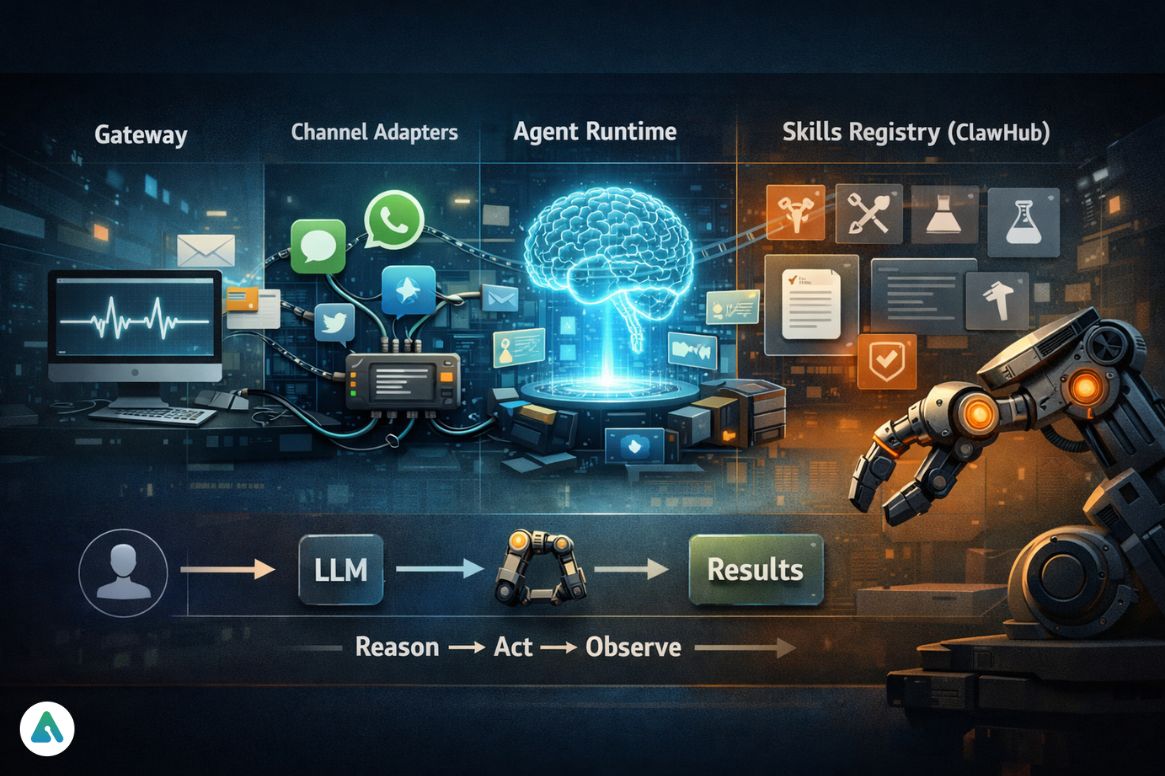
🔄 Execution Flow (ReAct Loop)
User → Gateway → LLM (Reason) → Skill (Act) → Result (Observe) → Repeat
This loop — Reason → Act → Observe — is what allows OpenClaw to complete multi-step tasks autonomously instead of stopping after a single response like traditional chatbots.
The Gateway (Always-On Daemon)
OpenClaw runs as a background process on your computer. It stays active — constantly monitoring your environment, checking emails, reading calendar events, and waiting for instructions.
This “heartbeat” mechanism is what separates it from reactive chatbots that only respond when you speak to them.
Channel Adapters
These are the bridges between OpenClaw and the messaging platforms you already use. Send a message on WhatsApp, and the adapter routes it to the agent runtime. Results come back through the same channel.
No new app to learn. No dashboard to open.
Agent Runtime
This is the brain.
When you send a request, the runtime:
- Assembles context from past interactions
- Calls your chosen LLM (Claude, GPT-4o, DeepSeek)
- Selects tools (skills)
- Executes until completion
Skills Registry (ClawHub)
Skills are the hands.
Each skill:
- Lives in its own directory
- Includes a
SKILL.mdfile - Defines capabilities and instructions
OpenClaw ships with 100+ built-in skills. The community has added 700+ more.
Because skills can be written by anyone and installed globally, the ecosystem grows fast.
It also introduces security considerations worth understanding before you install anything (more on that below).
What Can You Actually Do with OpenClaw?
Real users are already running some impressive workflows with this tool.

Developer and Technical Workflows
Developers use OpenClaw to:
- Automate debugging sessions
- Run overnight test suites
- Manage GitHub repositories
- Coordinate multi-agent coding pipelines
One early adopter set up OpenClaw to run coding agents while sleeping — waking up to completed tasks.
Personal Productivity
- Email drafting and filing
- Calendar management
- Weekly briefings
- Task tracking
One user built a weekly meal planning system in Notion that saves an hour per week.
Smart Home and Health Monitoring
OpenClaw integrates with:
- Philips Hue
- Home Assistant
- Elgato devices
Users trigger automations based on real-time health data.
Communication and Social
- Draft posts
- Schedule content
- Manage Gmail workflows
It can even interact with agent platforms like Moltbook.
⚠️ Pro Tip: When using agent-to-agent platforms like Moltbook, watch for agent loops — where two agents continuously respond to each other. This can silently drain API credits in minutes.
OpenClaw Installation: Step-by-Step Setup Guide
Getting OpenClaw running takes roughly 10 minutes.
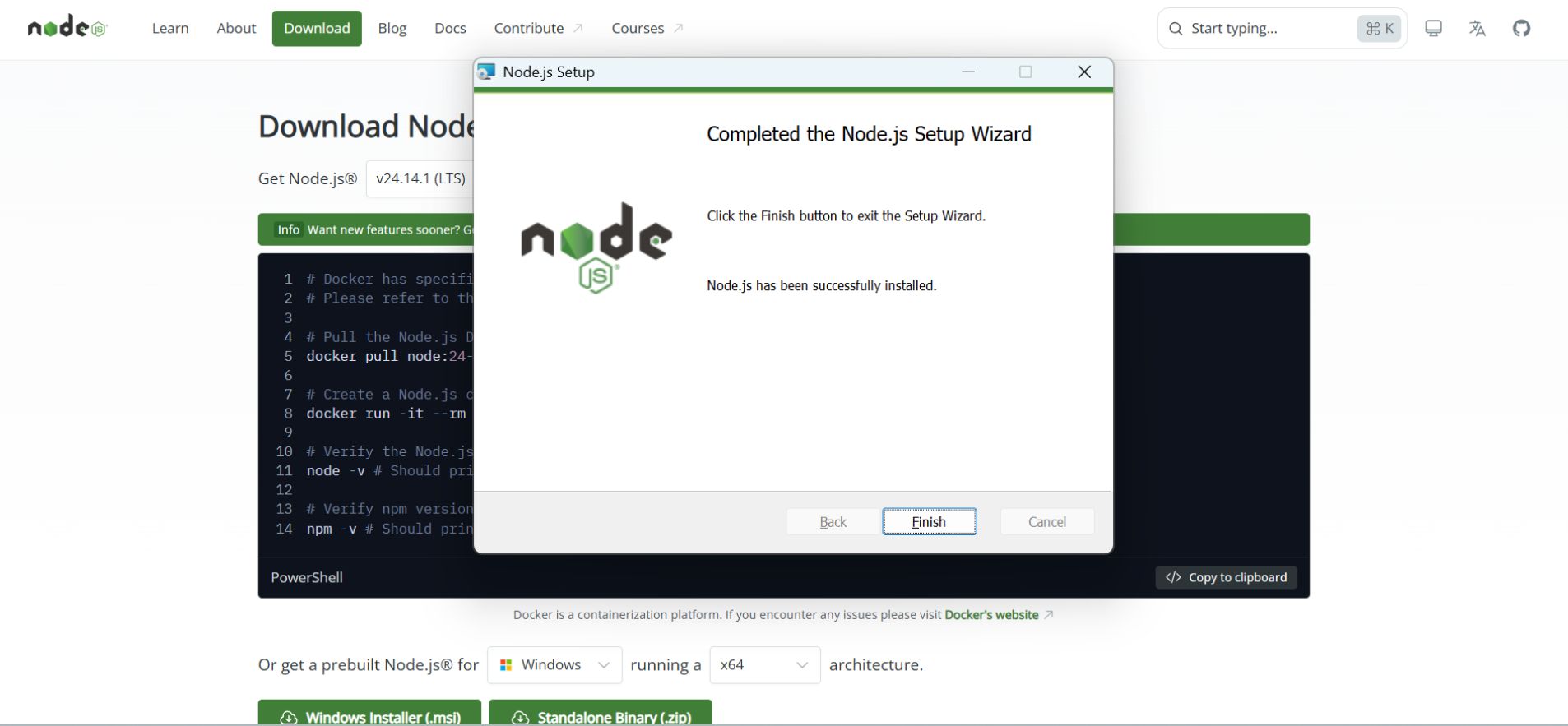
Step 1: Install Node.js 22+
OpenClaw requires Node.js 22+.
- Node 22 → most stable
- Node 24 (LTS) → supported, but occasional compatibility issues reported
Check your version:
Step 2: Install OpenClaw globally

Step 3: Run onboarding
Step 4: Add API keys
Supports:
- OpenAI
- Anthropic
- DeepSeek
- Local models
Step 5: Connect the messaging platform
Telegram is typically the easiest to configure.
Step 6: Install skills
Run periodically:
OpenClaw Security: What You Need to Know Before Using It
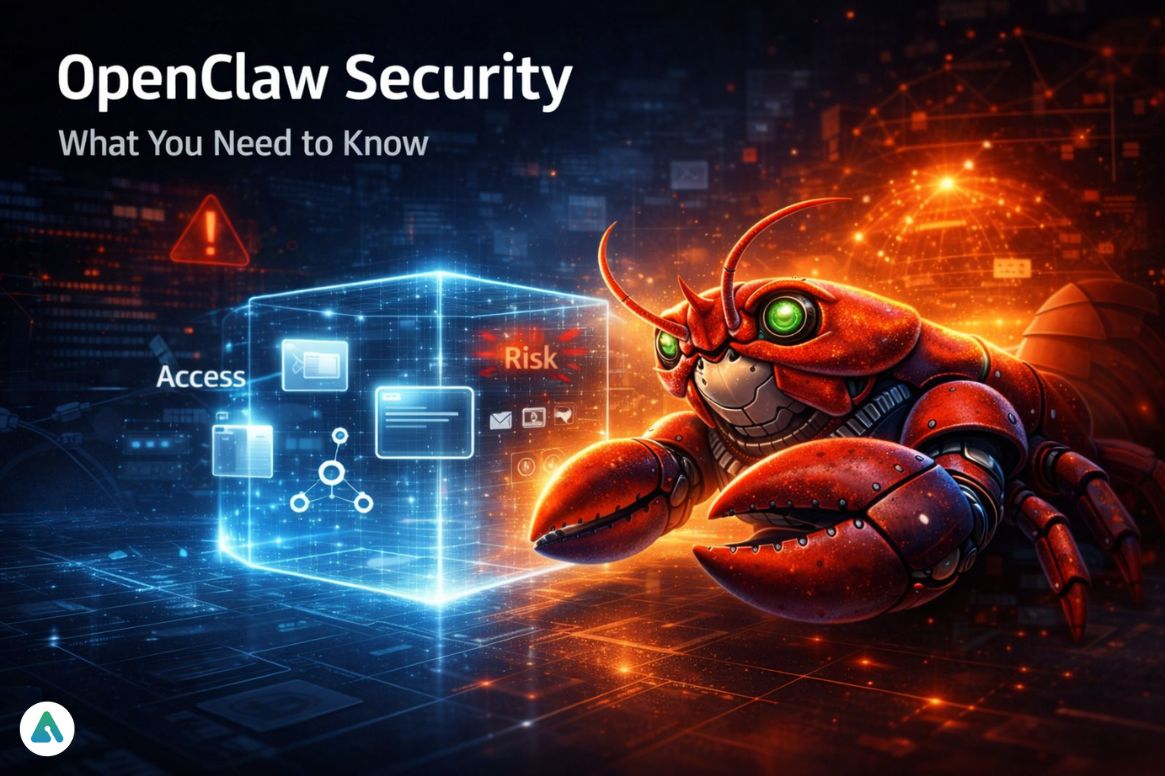
It has real power:
- File system access
- Shell execution
- Email access
- Network requests
That power cuts both ways.
The Core Risk: Prompt Injection
Prompt injection happens when malicious instructions are hidden in:
- Emails
- Web pages
- Documents
Your agent may interpret them as legitimate commands.
What Cisco Found
Cisco researchers tested a third-party skill and found:
- Data exfiltration
- Prompt injection attacks
- No user awareness
Real Numbers
- 9+ CVEs in first 60 days
- 42,665 exposed instances online
What’s Being Done About It
NVIDIA released NemoClaw (March 16, 2026).
Key feature:
- OpenShell sandboxing
- Container isolation
- Restricted access policies
Minimum Safe Practices
- Never install unknown skills
- Use Docker isolation
- Restrict directories
- Enable 2FA
- Run security checks regularly
OpenClaw vs. Alternatives: Honest Comparison (2026)
| Tool | Cost | Self-Hosted | Best For | Security |
|---|---|---|---|---|
| OpenClaw | Free | Yes | Developers | Low |
| NanoClaw | Free | Yes | Secure setups | High |
| AnyGen AI | Enterprise | No | Business ops | High |
| CrewAI | Free tier | Yes | Multi-agent | Medium |
| Claude Code | $20/mo | No | Devs | Medium |
NanoClaw strips OpenClaw down to a minimal secure core with containerized execution.
The China Factor: Why OpenClaw Became a Geopolitical Story
In March 2026, China restricted OpenClaw in government systems after security concerns surfaced.
This mirrors earlier moves against:
- ChatGPT
- Western AI infrastructure
At the same time:
- Local ecosystems were encouraged
- Regional AI industries supported
Signal: OpenClaw is no longer just software — it’s infrastructure.
Common Mistakes People Make with OpenClaw
- Installing skills blindly
- Connecting too many integrations at once
- Ignoring Node.js requirements
- Assuming local = private
- Not monitoring early behavior
2026 Trends: Where OpenClaw Is Heading
- Multi-agent coordination
- Local model adoption
- Enterprise hardening (NemoClaw)
- Agent-to-agent ecosystems
OpenClaw in 2026: The Bottom Line
OpenClaw represents a real shift:
From:
Asking AI questions
To:
Assigning AI outcomes
Frequently Asked Questions
Q. What is OpenClaw used for?
OpenClaw is used to automate tasks using AI agents that run locally on your computer. It can handle a wide range of activities, including email management, file organization, coding workflows, smart home automation, and multi-step task execution directly from messaging platforms like WhatsApp, Telegram, or Discord.
Q. Is OpenClaw free to use?
Yes, OpenClaw is completely free and open-source under the MIT license. Users only pay for API access to LLM providers such as OpenAI, Anthropic, or DeepSeek, which typically costs between $6 and $200+ per month, depending on usage.
Q. Is OpenClaw safe to use?
OpenClaw can be powerful but carries security risks if not configured properly. Because it can access your file system, run scripts, and interact with external APIs, users should follow best practices: run it in containerized environments, restrict permissions, install only verified skills, and regularly check system security with openclaw doctor --fix.
Q. How is OpenClaw different from ChatGPT?
Unlike ChatGPT, which is a conversational AI that only responds to prompts, OpenClaw is an autonomous AI agent that acts on tasks in the background. It can read emails, execute scripts, manage files, and interact with other apps to complete workflows without continuous user input.
Q. Who created OpenClaw?
OpenClaw was created by Peter Steinberger, an Austrian developer and founder of PSPDFKit. He launched the project in November 2025 and transferred it to an independent open-source foundation after joining OpenAI in February 2026.
Q. Why did China restrict OpenClaw?
In March 2026, Chinese authorities restricted the use of OpenClaw on government and state-run enterprise systems due to security concerns over potential data exposure and prompt injection risks. The restrictions targeted institutional usage, not individual users, while encouraging domestic alternatives and localized AI solutions.
Final Thought
OpenClaw isn’t a finished product.
It’s the beginning of a new interface layer — where AI doesn’t sit in a chat window…
…it runs your system.
And right now, we’re still figuring out how much control we’re willing to give it.
Related: 1.5 Million AI Agents, 17,000 Humans: The Security Nightmare Inside Moltbook
