
Anyone who used Character AI in the early days remembers how simple it felt.
You opened the page, picked a character, and started chatting. No extra tabs, no heavy interface — just a white screen, a chat box, and the AI.
That original Character AI old site became popular during the platform’s beta phase. When the interface changed, thousands of users began searching for ways to bring it back. Queries like “old c.ai,” “character ai old version,” and “old character ai login” still appear every day.
Some users want the minimal interface again. Others are trying to recover chats from 2022 or 2023 that seem to have disappeared. A few even try downloading unofficial “old version APKs,” which can create serious security risks.
This guide explains what actually happened to the old Character AI website, whether it still works, and what you can realistically do in 2026. You’ll also learn how to restore archived chats, use the closest thing to the old interface, and avoid unsafe downloads.
Tested and verified on the Character AI platform as of March 2026.
Understanding what happened to Character AI during its major transitions provides broader context for why the platform looks and feels so different today.
What Was the Character AI Old Site?
The Character AI old site refers to the early beta interface used when the platform first gained popularity.
Most users accessed it through URLs like:
- old.character.ai
- beta.character.ai
The design was intentionally simple. The page focused almost entirely on the chat itself.
Common features included:
- a minimal chat interface
- fast response times
- simple character discovery
- lightweight page design
- fewer interface elements
For many users, the old site felt faster and more focused than the modern version.
One longtime user described it well: the old site didn’t have the extra layers. It was simply you, the character, and the conversation.
Old Character AI vs New Interface
| Feature | Old Character AI | New Character AI |
|---|---|---|
| Interface | Minimal chat screen | App-style design |
| Performance | Lightweight | Slightly heavier UI |
| Navigation | Basic menus | Expanded discovery system |
| Character discovery | Manual search | Algorithm suggestions |
| Mobile support | Limited | Fully optimized |
| Moderation tools | Basic filters | Advanced safety systems |
The redesign happened gradually as Character AI expanded features and improved infrastructure.
Can You Still Access the Character AI Old Site?
Short answer: No.
The original old.character.ai interface has been officially retired. Visiting those URLs now redirects to the main Character AI platform.
According to official support documentation, the beta version was removed once the updated system became the primary environment.
There is currently no supported way to run the old servers or original interface.
However, there is one feature that brings back something close.
The 2026 “Classic Mode” (Closest Thing to the Old Site)
In late 2025, Character AI introduced a feature that many users overlook.
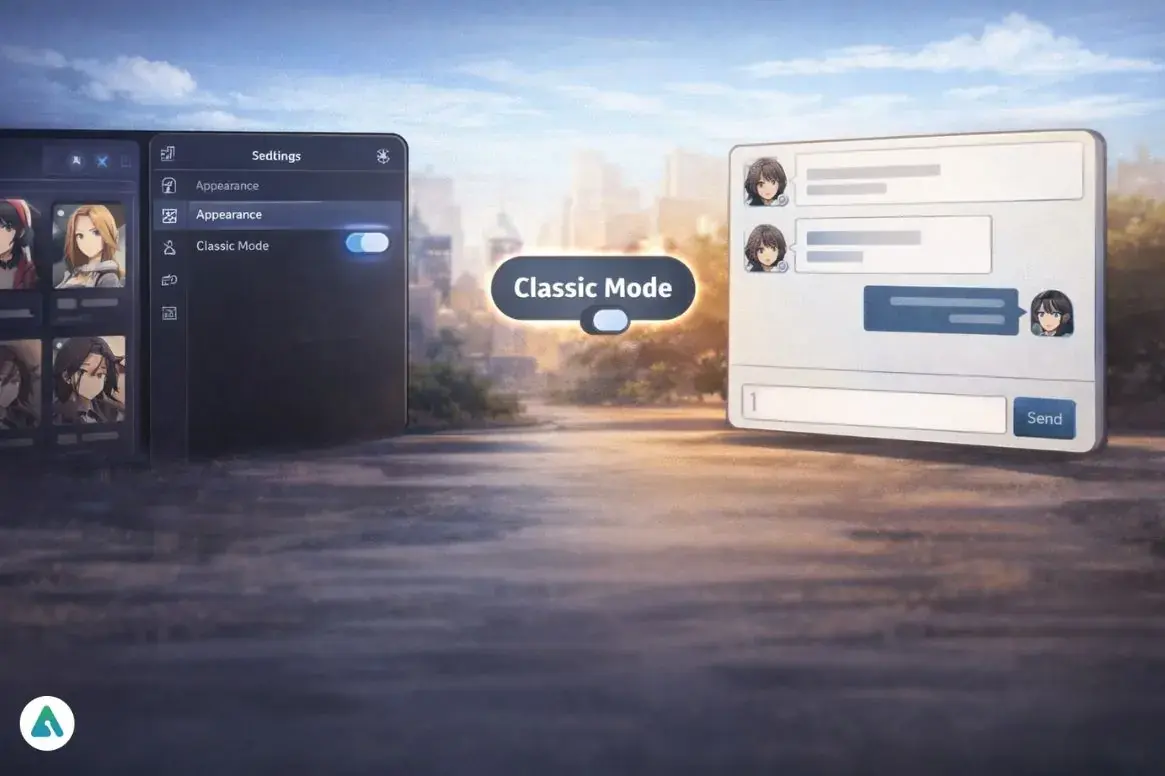
For C.AI+ subscribers, there’s an Appearance toggle called Classic Mode.
While it doesn’t restore the original beta servers, it recreates a minimalist interface similar to the old Character AI site.
What Classic Mode Restores
- simplified chat layout
- reduced UI clutter
- fewer side panels
- more focus on the conversation
What It Does NOT Restore
- old AI models
- legacy moderation behavior
- the original backend
Still, it provides the closest experience to old c.ai currently available.
How to Enable Classic Mode
- Log into Character AI
- Open Profile
- Go to Settings
- Select Appearance
- Enable Classic / Legacy UI
This feature currently appears only for C.AI+ subscribers.
The 2026 Chat Archiving Issue (Why Your Conversations Disappeared)
Another reason people search for the Character AI old site is missing conversations.
In January 2026, Character AI introduced an automatic chat archiving system designed to improve server performance.
Inactive conversations from 2022–2023 were automatically moved into an archive layer.
Many users assumed their chats were deleted.
In most cases, they were simply archived.
This update triggered a surge in searches like:
- “old character ai chats missing”
- “how to access old character ai chats”
- “character ai old site login”
The issue was rarely about the interface. It was about finding archived conversations.
Similar confusion occurs when users experience Character AI appearing to remove chat history for various technical or policy reasons.
How to Restore Archived Character AI Chats
If older conversations appear missing, check the archive system.
Steps to Restore Archived Chats
- Log into Character AI
- Click Profile
- Open Settings
- Select Archive
- Browse archived conversations
- Click Restore
Once restored, the chat will return to your main conversation list.
Very old beta chats may appear slightly different because they were generated by earlier AI models.
Why Character AI Feels Different Today (It’s Not Just You)
Many users searching for the old Character AI website are reacting to something deeper than the interface.
The AI itself changed.
In 2026, Character AI transitioned to a newer internal system known as the PipSqueak model.
The PipSqueak architecture focuses on:
- faster responses
- stronger moderation
- improved memory handling
- multi-character interaction
Earlier beta models behaved differently. They were often described as:
- more unpredictable
- more experimental
- less restricted
Because of that shift, the platform may feel different even when the same character is used.
The difference comes from AI model evolution, not just interface design.
Understanding how Character AI’s filter system evolved helps explain why conversations feel more restricted compared to the early beta days.
2026 Troubleshooting for Old Character AI Users
| Problem | Current Reality | What You Can Do |
|---|---|---|
| Old Character AI URL doesn’t work | old.character.ai has been permanently retired | Use the main Character AI site |
| Missing 2022–2023 chats | Chats were auto-archived | Restore via Settings → Archive |
| New interface feels cluttered | Platform now uses mobile-first design | Enable Classic Mode (C.AI+) |
| AI feels different | PipSqueak model replaced beta models | Adjust prompts or try new characters |
| Old APK downloads online | Many contain malware or token loggers | Avoid unofficial downloads |
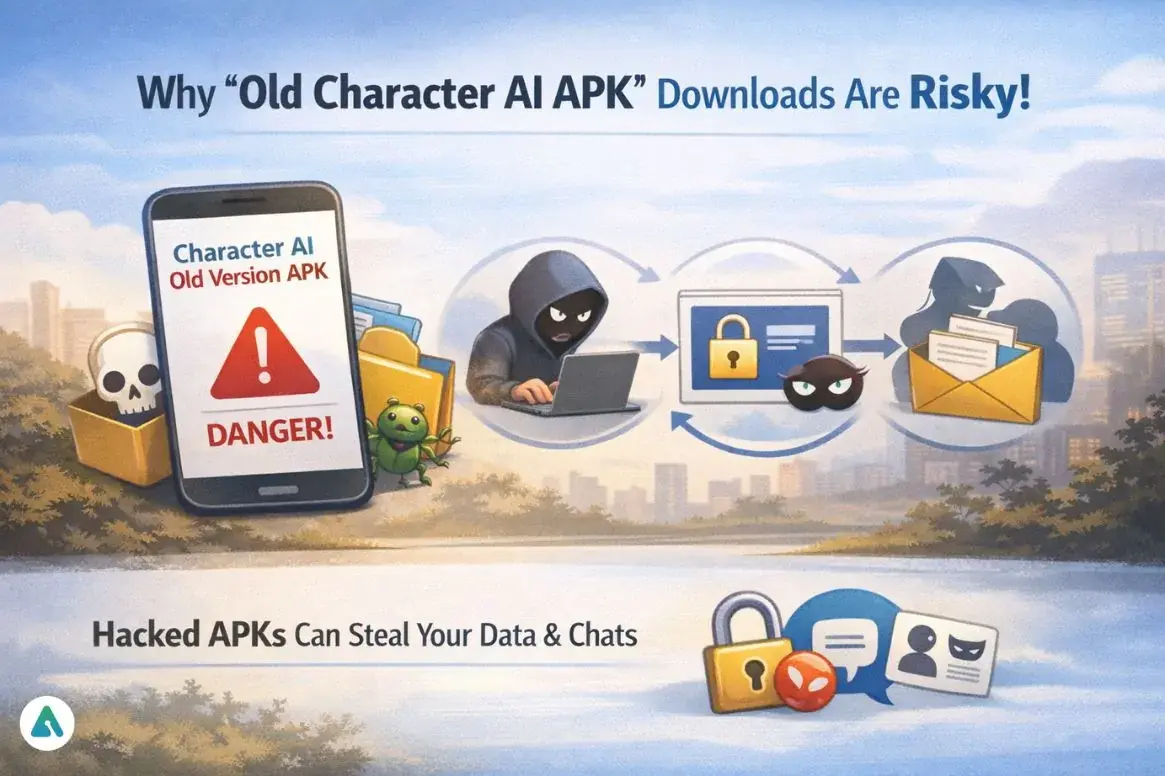
Why “Old Character AI APK” Downloads Are Risky (Seriously, Don’t)
Search results sometimes show files labeled:
- Character AI old version APK
- C AI old APK
- Character AI mod APK
These files are rarely legitimate.
In 2026, security researchers identified several modified versions containing session-token loggers.
These scripts can steal your login authentication token once you sign in.
Attackers could then:
- access your conversations
- impersonate your account
- collect private messages
If a download promises:
- unlimited AI chat
- removed safety filters
- premium features unlocked
…it’s almost certainly unsafe.
The safest rule is simple:
Only install the official Character AI app from trusted app stores.
Popular Character AI Alternatives (If You Miss the Old Days)
If you liked the freedom or simplicity of the old Character AI experience, a few AI chat platforms focus heavily on roleplay.
| Platform | Known For |
|---|---|
| Janitor AI | Advanced roleplay flexibility |
| AI Dungeon | Interactive storytelling |
| Talkie AI | Character-driven conversations |
| Pygmalion AI | Community-created characters |
Each offers a slightly different approach to AI character interaction.
Exploring comprehensive Character AI alternatives helps users find platforms that match their preferences for interface simplicity or content flexibility.
Common Mistakes People Make (Learn From Others’ Pain)
When trying to access the old Character AI version, many users accidentally make things worse.
Common mistakes include:
- downloading unofficial APK versions
- trusting random Reddit links
- using outdated browser extensions
- entering login credentials on third-party sites
The safest path is always using the official Character AI platform.
FAQs
Q. Can you still use the Character AI old site?
No. The Character AI old site (old.character.ai) was officially retired and now redirects to the main Character AI platform. The original beta interface is no longer available. All users must access their accounts through the current website or app, which includes updated features and a redesigned interface.
Q. What happened to old Character AI chats?
Many older Character AI conversations from 2022–2023 were automatically archived in early 2026 to improve platform performance. These chats were not deleted. Instead, they were moved to an archive section inside user accounts, where most conversations can still be restored if needed.
Q. How do I restore archived Character AI chats?
To restore archived Character AI chats, log into your account and open Profile → Settings → Archive. From there, you can view conversations that were automatically archived and select Restore. The chat will then return to your main chat list and can be continued normally.
Q. Is there a way to get the old Character AI interface back?
The original Character AI beta interface is no longer available. However, C.AI+ subscribers can enable Classic Mode, a simplified layout designed to reduce visual clutter and recreate a chat-focused experience similar to the earlier version of the site.
Q. Why does Character AI feel different now?
Character AI responses may feel different because the platform transitioned to the PipSqueak AI model in 2026. This newer model focuses on faster responses, stronger safety systems, and better conversation memory, which changed how characters generate replies compared to earlier beta models.
Q. Is it safe to download Character AI old version APKs?
No. Downloading Character AI old version APK files from unofficial websites can be risky. Some modified apps contain malware or session-token loggers designed to steal user accounts. For security reasons, it’s best to install Character AI only from official app stores.
Q. Can I export my old Character AI chats?
Currently, Character AI does not provide a built-in feature to export conversations as downloadable files. You can restore archived chats and view them within your account, but exporting or downloading chat histories is not officially supported.
Q. What is Character AI Classic Mode?
Character AI Classic Mode is a simplified interface option available to C.AI+ subscribers. It reduces side panels, removes extra interface elements, and focuses on the chat window, creating a cleaner experience that feels closer to the early Character AI beta design.
Conclusion
The Character AI old site was the original beta interface that helped the platform grow into one of the most popular AI chat services online. However, the original version has now been permanently retired.
If you’re searching for it today, here are the important things to remember:
- the old Character AI site no longer works
- older chats may simply be archived, not deleted
- C.AI+ users can enable Classic Mode for a simpler interface
- unofficial APK downloads pose serious security risks
- the AI itself changed with the PipSqueak model update
Understanding these changes helps explain why the platform feels different today — and what options still exist if you prefer the earlier experience.
For users considering alternatives, reviewing how Character AI compares to platforms like Kindroid and Nomi provides perspective on different approaches to AI character interaction.
