Free Chatbot Creator 2026: Build Your Own AI Bot Without Coding
Most chatbot builders make you write every FAQ answer by hand. A smaller group skips that step: point them at your website, and they read your existing pages to build the knowledge base themselves. This guide compares that smaller group — chatbot creators that train directly from website content, what their free tiers actually include, and what building one really looks like in practice, based on a hands-on test that trained a Zapier chatbot on this very site.
What Is a Free Chatbot Creator That Trains From Your Website?
A website-trained chatbot builder reads an existing site — a URL, a sitemap, or specific pages — and turns that content into a knowledge base a bot can answer from, instead of requiring scripted responses written by hand. Setup usually takes minutes: paste a URL, and the platform crawls it, indexes the text, and starts answering visitor questions from what it finds.
Best Free Chatbot Creator Tools With a Genuine Free Plan
Tidio (Lyro AI)
Purpose: A live-chat and AI-bot combo built for ecommerce sites that want routine order questions handled automatically.
Trains from: URL scraping and FAQ upload, generating answers straight from that content.
Price: Free plan includes 50 billable conversations a month plus 50 one-time Lyro conversations, no card required. Paid plans start at $29/month, with Lyro running as a $39/month add-on — full breakdown on Tidio’s pricing page.
Key features: Resolves roughly two-thirds of routine questions on its own; triggers native Shopify actions like refunds or order-status lookups.
Best for: An online store that wants shipping and order questions answered without hiring support staff. Start at Tidio’s homepage. For a broader look at this category, more options best AI customer support chatbots roundup.
Jot form AI Agents
Purpose: A no-code agent that turns an existing site into a working knowledge base without manual scripting.
Trains from: Website URLs, FAQs, PDFs, and Google Docs.
Price: Free tier includes unlimited basic agents and conversations. Paid plans start at $34/month — see Jotform AI Agents’ pricing.
Key features: Embeddable no-code widget; multi-channel deployment; hands off to a human when it can’t answer.
Best for: A small business site replacing a paid support inbox with a free agent trained on its own pages. Start at Jotform AI Agents’ homepage.
Voice flow (Knowledge Base)
Purpose: Better known as a pure flow-design tool, but its Knowledge Base feature adds site-trained answers on top.
Trains from: Website URLs or Zendesk Helpdesk articles, searched from inside a flow via a dedicated block.
Price: Free plan includes 50 knowledge-base sources, two agents, and 100 monthly AI tokens. Pro starts at $60/month.
Key features: Knowledge-base search block plugs directly into a visual conversation flow.
Best for: A team already building conversation flows in Voiceflow that wants site-trained answers without switching platforms. Start at Voiceflow’s homepage.
Docs Bot AI
Purpose: A docs-first support bot for SaaS products that want troubleshooting answers pulled straight from existing documentation.
Trains from: Websites and sitemaps, among more than two dozen supported source types.
Price: Free tier is thin — 100 messages a month. Paid plans start at $49/month DocsBot AI’s pricing.
Key features: Choice of GPT-4o, GPT-4.1, or a lighter GPT-3.5 mini model; Slack integration; SOC 2 Type II and GDPR compliance.
Best for: A SaaS product that wants a troubleshooting bot answering straight from its existing docs. Start at DocsBot AI’s homepage.
AI Chatbot Maker Tools Worth Paying For (No Free Plan)
Chatbase
Purpose: A SaaS-oriented support bot that both answers from docs and acts on connected tools.
Trains from: Documents, website content, or manually written Q&A pairs.
Price: Free plan includes 50 message credits a month. Paid plans start at $40/month (Hobby) — see Chatbase’s pricing.
Key features: Testing across multiple LLMs (OpenAI, Anthropic, Gemini); in-chat actions like Stripe and Shopify lookups.
Best for: A SaaS team that wants a support bot able to both answer from docs and act on connected tools.
SiteGPT
Purpose: A support agent trained purely on existing help docs, built for teams that don’t want a lot of extra integrations.
Trains from: A direct site or docs crawl, plus sitemaps, YouTube, Notion, and Google Drive.
Price: No ongoing free tier — a 7-day trial only — before plans start at $39/month (Starter)
Key features: REST API and MCP server for more agentic use cases; SOC 2, GDPR, and HIPAA compliance.
Best for: A support team that wants an agent trained purely on existing help docs, without a lot of extra integrations.
Bot sonic
Purpose: A support bot that both answers from site content and triggers backend actions.
Trains from: Automatic crawling and indexing of website URLs, plus links, files, apps, and spreadsheets.
Key features: “AI Actions” that let the bot execute real API operations rather than just answer questions.
Best for: A support bot that needs to both answer from site content and trigger backend actions, like updating a CRM record.
Enterprise options worth knowing
CustomGPT.ai
Purpose: Large-scale ingestion for content-heavy sites that need continuous re-syncing.
Trains from: “Sitemap Auto-Sync” on its Premium tier, automatically re-indexing a site as pages change, and handles up to 300 million words of source content.
Best for: A large content site or knowledge base with budget for continuous re-indexing rather than a first free build.
Intercom Fin
Purpose: An enterprise support bot billed only for what it resolves.
Trains from: Help Center articles, internal support docs, PDFs, webpages, and short text snippets, grounding replies with retrieval-augmented generation.
Price: No traditional free tier — usage-based instead, roughly $49/month minimum plus per-resolution fees Intercom’s pricing.
Best for: A larger support team that would rather pay per resolution than commit to a flat monthly plan.
How to Create a Chatbot for a Website for Free: My Zapier Chatbots Test
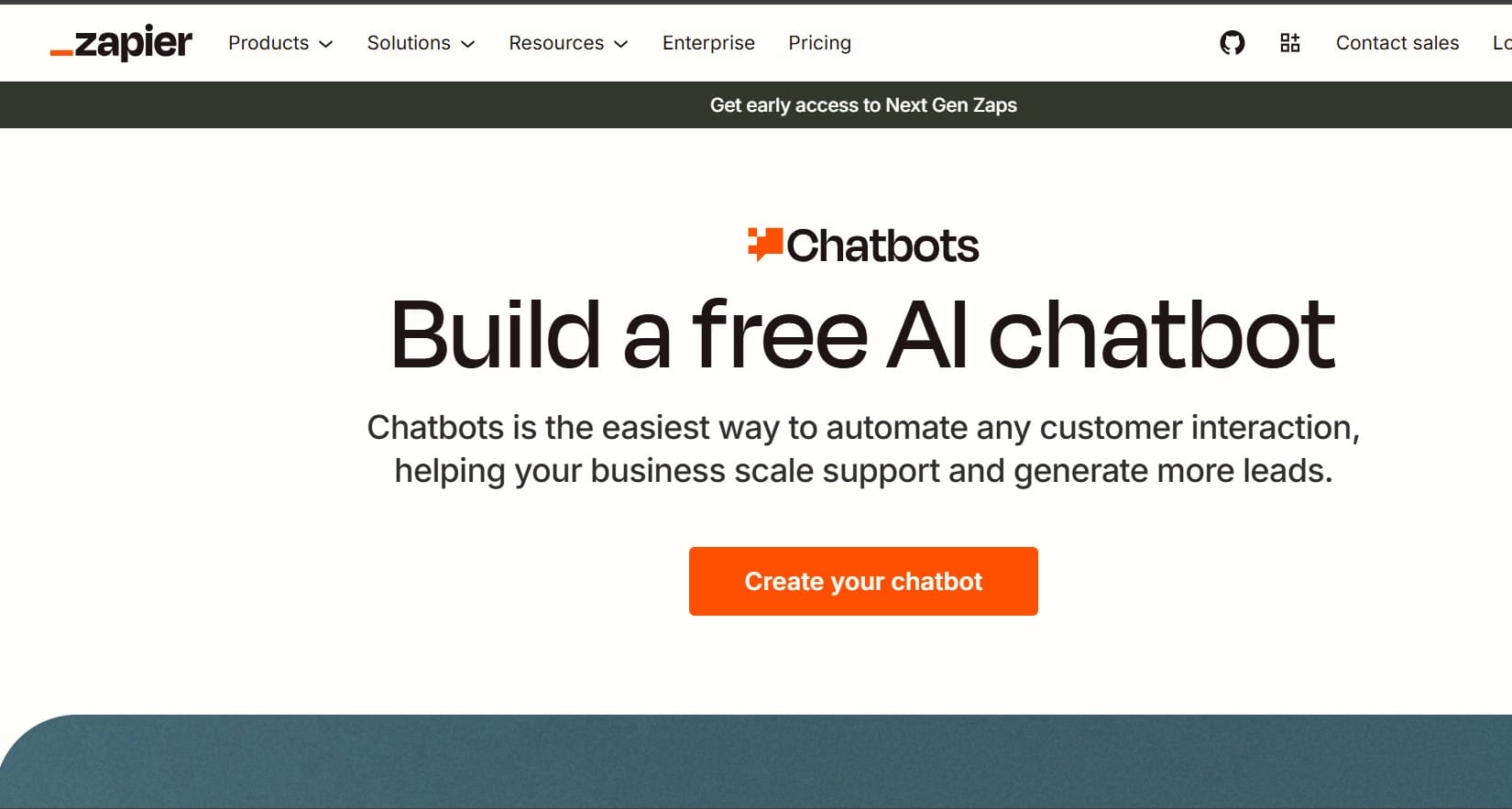
To see whether a “trains from your website” claim actually holds up, I built a chatbot on Zapier Chatbots and pointed it at aiinsightsnews.net itself — training a bot on a site, then asking it questions only that site’s real content could answer.
Setup starts in the Knowledge tab, where a webpage gets added as a source:
Adding the root domain synced six individual pages automatically, tracked against a 500KB storage cap. One thing worth flagging here: this ran during Zapier’s 15-day Advanced trial, not the base free plan — the “Knowledge sources” feature that reads a website is an Advanced-tier capability. Zapier’s own help documentation confirms that once a trial like this ends without upgrading, any chatbot using paid features (including a synced knowledge source) gets locked rather than just quietly downgraded, though its settings stay saved for whenever an upgrade happens.
From there, the Instructions tab sets the bot’s directive — its objective, tone, and a rule requiring every answer to come from the synced source rather than general knowledge:
Publishing it took one more step, through the Share panel’s Public Link tab:
The bot answered correctly — it named the site’s real content categories and specific recent articles it found on the synced pages, rather than a generic or invented response.
Embedding it on an actual site is the last step, handled from the same Share panel’s Embed tab:
Both a pop-up widget and a fixed inline placement are available, dropped into a site through a short script tag carrying a chatbot ID — the same pattern most no-code builders use. Notice the banner repeats the same warning as the Knowledge tab: “Pro feature expires in 15 days.” Embedding isn’t gated separately from the knowledge-source limit — the whole Advanced feature set reverts together once the trial lapses.
Final Verdict
Putting it together: Zapier Chatbots did exactly what a “trains from your website” tool should — it synced real pages from aiinsightsnews.net and answered with specific, accurate details instead of a generic response. The catch is timing, not capability: every part of this test ran inside a 15-day Advanced trial and locks again once that ends without an upgrade. For a genuinely free build, Tidio, Jotform AI Agents, or Voiceflow are the safer starting point; Zapier earns its place when the automation side is worth paying for.
Common Mistakes When Choosing a No-Code Chatbot Builder
Assuming “AI chatbot” means it trained on your site. Chat base’s free tier is a 14-day demo, not a lasting one — check whether website ingestion happens on the free tier specifically, not just on paid ones.
Skipping the trial-vs-free distinction. Site GPT, Bot Sonic, and CustomGPT.ai all require payment after a 7-day trial. Only Tidio, Jotform AI Agents, and Voiceflow offer an ongoing free tier that includes website training, with Docs Bot AI’s free tier a thin fourth option.
Expecting every no-code chatbot builder to scrape a website. Many, including Bot Penguin as tested here, build from templates edited by hand rather than ingesting site content automatically.
Frequently Asked Questions
Q. Which chatbot builder actually reads my website to build a bot?
Tidio, Jotform AI Agents, Voiceflow’s Knowledge Base feature, SiteGPT, Botsonic, and DocsBot AI all support ingesting a website URL or sitemap directly into a training knowledge base.
Q. Is there a free chatbot creator that trains from my site content?
Yes. Tidio, Jotform AI Agents, and Voiceflow all offer a genuine free tier that includes website-content training, not just a time-limited trial.
Q. Does BotPenguin train a chatbot from my website automatically?
Not based on hands-on testing for this guide. BotPenguin’s core builder works from templates and use cases picked and then edited by hand, rather than scraping site content directly. Some independent reviews describe a paid-tier knowledge-base training feature, so check BotPenguin’s current plan details directly before assuming either way.
Q. What’s the difference between a free tier and a free trial for these tools?
A free tier (Tidio, Jotform AI Agents, Voiceflow) keeps working indefinitely under a usage cap. A free trial (SiteGPT, Botsonic, CustomGPT.ai) stops working after seven days unless payment starts.
Q. Can a website-trained chatbot also take actions, not just answer questions?
Yes. Chatbase and Botsonic both support “AI Actions” that trigger real backend operations — a Stripe refund, a CRM update — in addition to answering from trained content.
Disclaimer: Pricing, free-plan limits, features, and availability can change. Information in this guide is based on publicly available sources and hands-on testing where stated. Check each platform’s official website for the latest details. AI Insights News may earn a commission from some links at no additional cost to you.
Tags:
Sebastian Vale
Sebastian Vale reviews the latest AI tools and tech innovations, breaking down complex concepts into clear, actionable insights. He also creates step-by-step guides, helping readers make smarter decisions and stay ahead in a fast-moving digital world.