

AI video creation outgrew filters a while ago. A creator in 2026 generates footage, swaps a face, animates a still photo, writes character dialogue, and builds a scene without opening a single traditional editor.
I put six platforms through the same test: output quality, how quickly I could learn them, what the free tier actually allows, what they cost, rendering speed, and whether any of it survives a real content schedule rather than one weekend of curiosity. Five made the cut.
One thing worth saying before the list. Face swap tools disappear. Vidqu AI ran as one of the more accessible multi-face swap platforms until the team quietly pivoted to AI companion features and the swap tools stopped working entirely by mid-2026. Anyone building a workflow on a single free tool should keep that in mind.
Quick Comparison: Which AI Video Tool Fits Your Workflow?
| Tool | Best For | Free Option | Key Feature |
|---|---|---|---|
| Magic Hour | Overall AI creation | Yes | Face swap, lip sync, image and video generation |
| HeyGen | AI presenters | Limited | Business avatars |
| Fashion Diffusion AI | E-commerce & fashion | Limited | Fashion face swap and virtual try-on |
| Runway | Creative video | Limited | Cinematic text-to-video |
| Synthesia | Corporate content | Limited | AI presenters and training videos |
| D-ID | Talking photos | Limited | Photo animation |
1. Magic Hour — Best All-in-One AI Face Swap Platform

Magic Hour won my top spot for a boring reason: it keeps the creation flows in one place instead of scattering them across four subscriptions.
Face swap holds up on both stills and video. Lip sync and talking-photo generation land well enough for social posts, ads, short narratives, and marketing spots. The free tier gives 400 credits with no credit card, which makes it a genuine way to trial lip sync AI free before committing to anything. The Magic Hour image editor sits alongside it, editing images from text prompts so the output can feed straight into a video tool afterward.
That editing-first direction reflects where the whole category moved. One-shot generation gave way to iterative editing across 2026, because nobody producing five backgrounds for one product wants five unrelated images.
Speed is the other differentiator. Click-to-create templates, fast variations, multiple takes and a choice of underlying models strip out manual steps, including chained workflows like generate, upscale, then convert to video. The platform runs entirely in the browser on desktop or mobile, offers API access on paid tiers, and comes out of Y Combinator’s W24 cohort.
Pros
- Strong face swaps on both image and video
- Reliable lip sync and talking photos
- Usable free tier with no card required
- Several AI models under one interface
- Fast iteration and parallel generations
- Full API access on paid plans
Cons
- Heavy users burn credits quickly
- Dedicated professional editors still offer deeper manual control
- 4K output sits on the top tier only
Pricing:
Free: Available
Creator: $19 each month or $12/month each year billed annually is the cost.
Pro: $39/month or $25/month billed annually Who it’s best for: Video creators who wish to use face swap, lip sync, talking photos, image editing and video creation under one roof.
Best for: creators who want face swap, lip sync, talking photos, image editing, and video generation under one login.
2. HeyGen — Best for AI Presenter and Avatar Videos

HeyGen builds around avatars and presenter-led video. It earns its place in enterprise demos, teaching and coaching content, marketing explainers, and multilingual output.
The interface stays approachable for teams with no video production background, which is most of the teams buying it. Translation features are the standout.
Price is the friction point, and enough users feel it that a whole comparison market exists around cheaper HeyGen alternatives like VlogMe, Colossyan, and Synthesia — particularly for anyone producing longer videos where per-minute costs escalate fast.
Pros: high-quality AI presenters, strong translation, simple business workflows, broad avatar library. Cons: limited creative flexibility, weaker fit outside presenter formats. Pricing: free tier with usage caps, then paid plans.
Best for: companies producing presenter videos at volume.
3. Fashion Diffusion AI – Best for E-Commerce & Fashion Face Swapping

Fashion Diffusion AI suits e-commerce brands and clothing sellers chasing studio-quality model shots. Flat-lay-to-model rendering builds editorial visuals from basic photos, and the specialized garment-preservation suite runs deeper than general-purpose generation platforms.
Pricing is structured around monthly image credits across simple tiers. Current plans: Starter at $11.99/month ($0.12/image, 100 images) and Pro at $59/month ($0.08/image, 760 images). Standard face swapping and virtual try-ons cost 1 credit per generation, making it easy for fast-growing DTC brands to calculate their visual budget per product launch.
Users can also transform white-background product shots into dynamic lifestyle campaigns in seconds during peak design cycles. Budget a small credit allowance for testing different background aesthetics and fine-tuning lighting prompts for new garment drops.
Pros: precise garment texture preservation, photorealistic AI models, rapid workflow. Cons: focused purely on fashion/apparel, paid plans required for high-volume batch generation.
Best for: DTC fashion brands, e-commerce sellers, and digital marketers needing a commercial-grade for high-converting lookbooks.
4. Runway — Best for Cinematic AI Video Generation

Runway suits creators and filmmakers chasing cinematic results. Text-to-video builds scenes from prompts, and the editing suite runs deeper than most generation-only platforms.
The pricing changed in 2026, and plenty of guides still quote the old structure. Runway retired the Unlimited tier in June 2026 and replaced it with Max. Current plans: Free (125 one-time credits, watermarked), Standard $15/month ($12 annual, 625 credits), Pro $35/month ($28 annual, 2,250 credits), and Max $95/month ($76 annual, 9,500 credits with one-month rollover). Gen-4.5 runs at 12 credits per second, so a five-second clip costs 60 credits — roughly 10 clips on the free tier before it runs dry.
Users also report queue waits of 10 to 20 minutes across tiers during busy periods. Budget 10–15% credit waste for failed generations and iteration.
Pros: advanced generation, cinematic output, real editing tools. Cons: steeper learning curve, restrictive free tier, credits lapse on Standard and Pro.
Best for: filmmakers and advanced AI video users.
5. Synthesia — Best for Corporate Training Video

Synthesia aims squarely at business presenter video: onboarding, employee training, education and internal comms. Communication professionals get more from it than social media editors do.
The credit math deserves attention. Free sits at $0 with about 10 minutes monthly and a watermark. Starter costs $29/month, or roughly $18 on annual billing — and still caps at about 10 minutes. Creator runs $89/month ($64 annually) for around 30 minutes. Enterprise is custom, with Vendr marketplace data showing a median annual spend near $30,000 across verified purchases. Credits convert at 120 per minute and never roll over, and dubbing and API calls draw from the same pool as generation.
Ten minutes is one onboarding module. Teams routinely hit that ceiling in the first session.
Pros: professional avatars, enterprise controls, large avatar library. Cons: minimal creative editing, no face-swap focus, minute caps bite early.
Best for: corporate training and educational video.
6. D-ID — Best for Talking Photos
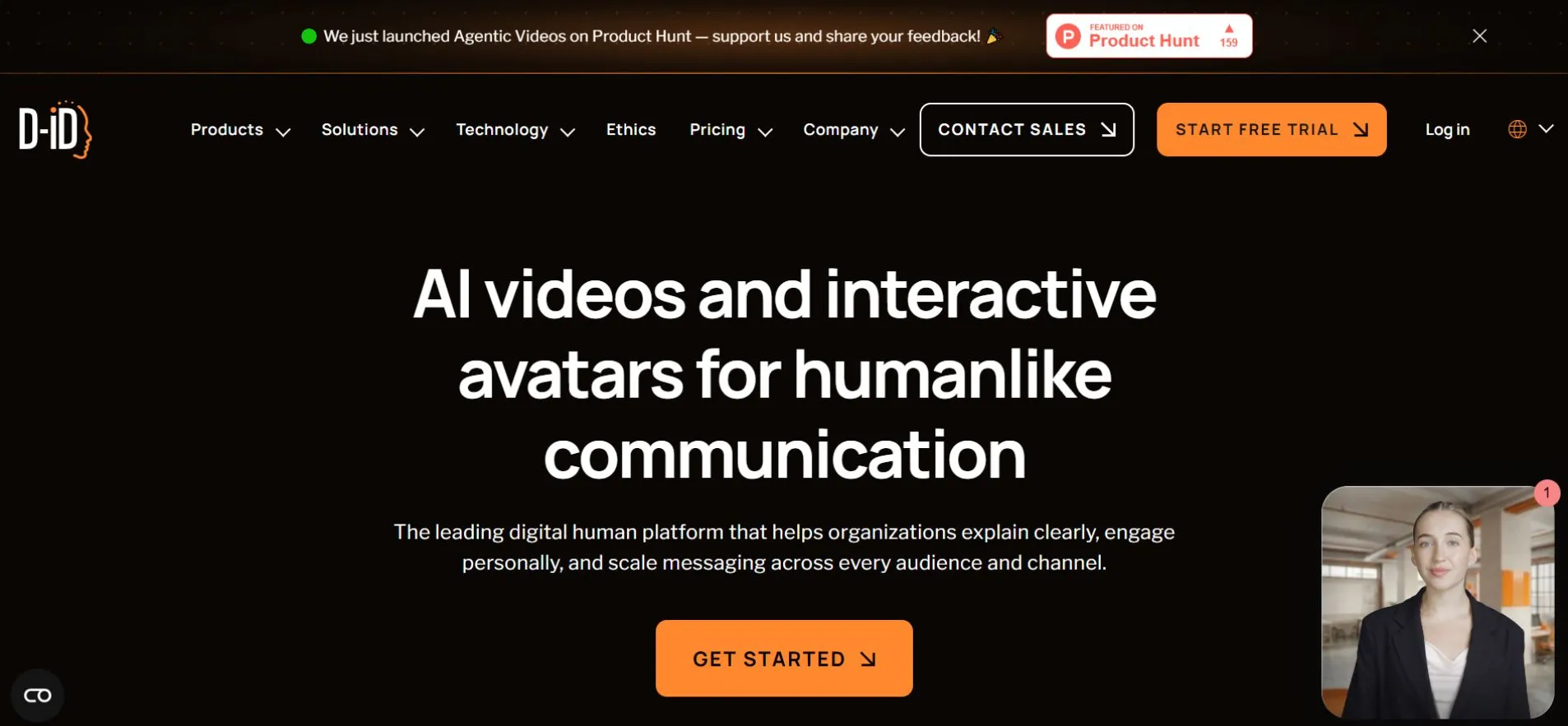
D-ID animates still images into talking portraits. Educational projects, storytelling, historical presentations, and simple avatar content all fit.
The narrow scope makes it easy to learn. It also means D-ID won’t carry a varied production workflow the way Magic Hour does.
Pros: straightforward talking-photo creation, convincing facial animation, API access, quick to learn. Cons: narrow feature set, basic editing and effects.
Best for: creators who mainly need animated still images.
How I Ranked These Tools
I scored against content creation needs rather than marketing pages. The criteria: face-swap quality, lip-sync accuracy, talking-photo realism, video-generation quality, rendering speed, ease of use, free-plan value, pricing, mobile support, and overall workflow efficiency.
I also weighed whether each platform holds up for someone publishing consistently — not someone running one experiment and walking away.
What Are the Big AI Video Trends in 2026?
Consolidation leads. Creators want to generate, edit, animate, upscale, and export without shuttling files between four services.
Text-to-video turned practical. People aren’t making standalone tech demos anymore; they’re producing ads, social clips, product narratives and pitch concepts.
Face swap escaped its novelty phase. Marketing teams now run personalized campaigns, character-driven series, and short-form variations through it. The ethics question follows close behind — consent and disclosure matter, and platforms vary widely in how seriously they police either.
Iteration speed matters more than raw quality for most creators. Parallel generations, reusable templates, and cheap variations give people room to test several ideas before picking one.
Final Takeaway
Your workflow decides the answer.
Magic Hour covers the most ground for face swap, lip sync, talking photos, image editing, and video generation together. HeyGen suits business presenters, while Fashion Diffusion AI is built around fashion and e-commerce visuals. Runway rewards film experimentation. Synthesia fits corporate training, and D-ID handles talking-photo projects cleanly.
Test the free tiers first. Credit systems make these tools cost far more than the sticker price suggests once real volume arrives, and the only way to find your actual monthly bill is to generate something real and watch the balance drop.
FAQs
Q. Which AI face swap software is best in 2026?
Magic Hour rates highest overall, combining face swap, lip sync, talking photos, image editing and video generation in one platform.
Q. Is Magic Hour free?
Yes, partly. The free plan includes 400 one-time credits with no credit card required. Free-tier output carries no commercial rights — that starts on paid plans.
Q. What is the best lip sync tool?
Magic Hour and HeyGen both perform well. Magic Hour makes more sense when you also want face swap and broader creation tools.
Q. Which AI tools animate photos into talking videos?
Magic Hour and D-ID both do this. D-ID specializes in talking photos; Magic Hour connects the feature to a wider toolkit.
Q. What is the best AI tool for text-to-video?
Runway leads in cinematic text-to-video. Magic Hour suits creators who want text-to-video alongside face swap, lip sync, and image editing in one place.
Related: AI Video Surveillance: What It Can Detect and Where It Falls Short
| Disclosure: This article was submitted by a guest contributor. The views, analysis, and opinions expressed are those of the contributor and do not necessarily reflect the views of AIInsightsNews. The article has been reviewed for editorial quality and clarity, but the contributor remains responsible for the claims and opinions presented. |
